











No.13 · Warm & creamy
Cookies & Cream
Lightroom presets or LUTs
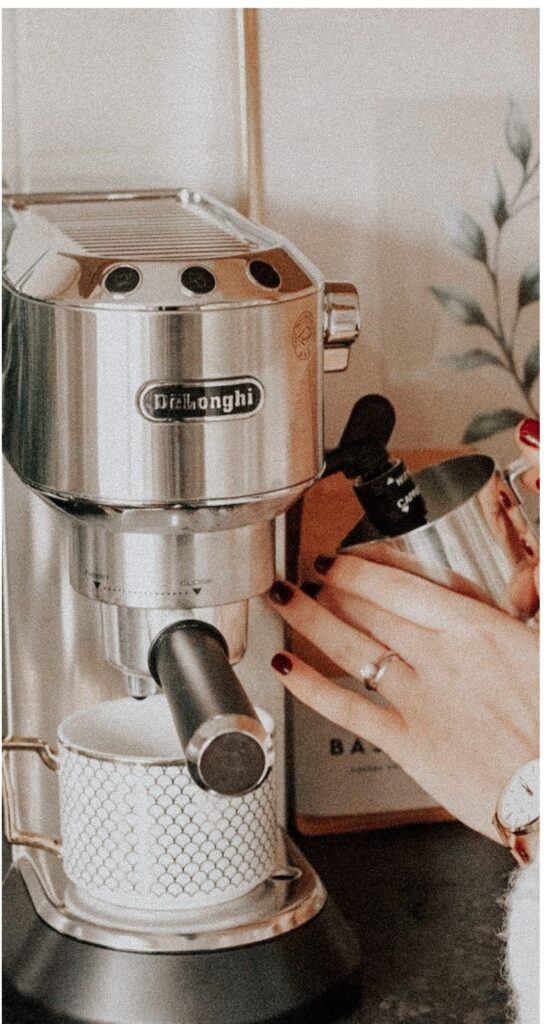
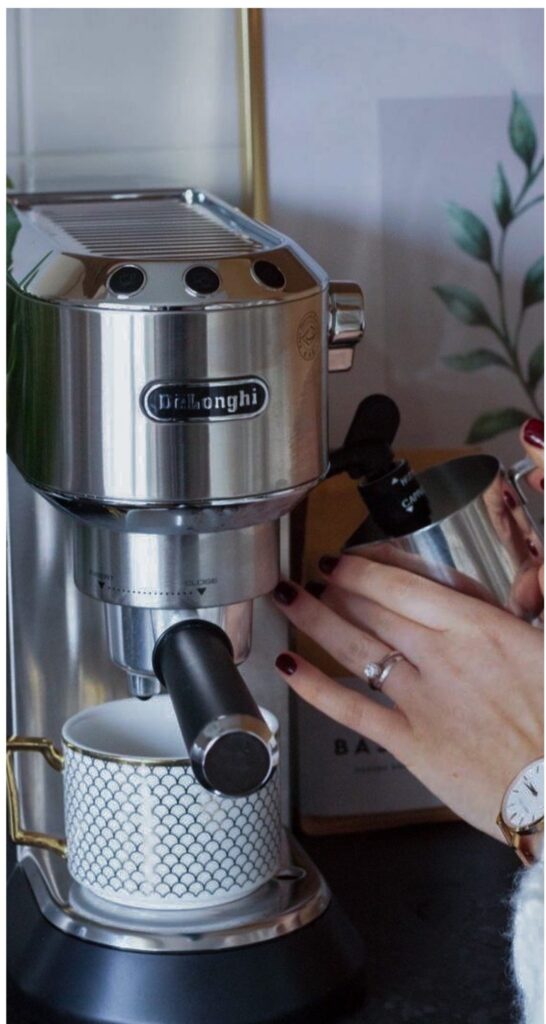
5 · 2 reviewsCosy browns, creamy highlights and softened greens. Twelve looks that make coffee shops, pets, kitchens and everyday moments feel warm.
- 12 looksMobile .dng + desktop .xmp
- Or LUTs.cube for Photoshop, Luminar, video
- InstantDownload after checkout
- Free app OKNo subscription needed
$12
- Free Stars preset pack included with every order
- Step-by-step install guide (PDF) for phone, desktop and LUT apps
- Secure checkout: card, Apple Pay, Google Pay, PayPal
- Install guaranteed: we help until it works
01
Buy & download
Your download link appears right after checkout and in your email.
02
Add to your app
Lightroom on your phone or computer, or the LUTs in any LUT app. About two minutes.
03
One tap, done
Apply a look, nudge exposure if you like, and share.
In your download
What's included
- 12 Cookies & Cream looksEach as a mobile .dng and a desktop .xmp preset
- Stars (free pack)4 bonus looks, included with every order
- .cube LUTs of every lookIn the LUTs edition, or add them to your presets. For Luminar Neo, ON1, Photoshop, Affinity, Pixelmator Pro, Premiere Pro, Final Cut Pro, DaVinci Resolve
- Install guide (PDF)Plus online guides for every app
Contact sheet
Before & after
Unedited originals on the left, Cookies & Cream applied on the right. Drag to compare.
2 reviews · 5 average
What customers say
Awesome tool guys! Love your creation!
Thank you ❤️ I love them ✨
Questions
Before you buy
Do I need a paid Lightroom subscription?
No. The mobile presets work in the free Lightroom app on iPhone, iPad and Android. On a computer you'll need Lightroom, Lightroom Classic or Photoshop (Camera Raw), or use the LUTs in apps like Luminar Neo, ON1 or Affinity.
Will my photos look exactly like the examples?
Every photo is lit differently, so think of a preset as a head start. Most photos look right after a quick nudge to exposure and white balance.
What's the difference between the mobile and desktop files?
The .dng files are for Lightroom mobile; the .xmp files are for Lightroom Classic (7.3+), Lightroom desktop and Camera Raw. The .cube LUTs carry the same colour grade for other photo and video apps.
How do I install them?
There's a PDF guide in your download, and step-by-step guides for every app on our install page. If you get stuck, email [email protected] and we'll help until it works.
What if I lose my files?
Your downloads stay in your account, or email us with your order details and we'll send a new link.
Can I get a refund?
Because these are instant digital downloads we don't offer refunds, but we'll do everything we can to help you get the look you want. Just get in touch.
More looks
You might also like


Cookies & Cream $12
Choose & buy
The Digital Colors letter
New looks, editing tips and early access
A few emails a month. No spam, unsubscribe any time.